Mathematicians do not study objects, but relations between objects.
A library of objects…
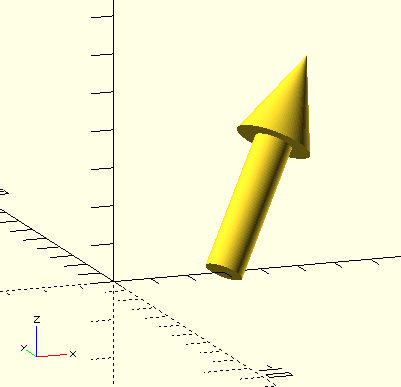
Arrow()
Arrow(Vector,Base=[0,0,0],Factor=1,Point=0.4,Radius=0.5)
-
Vector, vector, the vector being represented.
-
Base, point, the vector’s base point.
-
Factor, scalar, scaling factor for small vectors.
-
Point, scalar, fraction of the arrow that will be the arrow-point.
-
Radius, scalar, radius of the arrow-shaft.
Generates an 'arrow' object to represent a vector.
BallCylinderBetween()
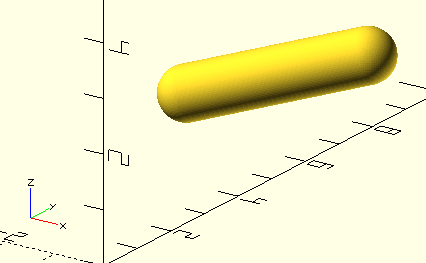
BallCylinderBetween(Point1,Point2,Radius=0.1,Ends="Both")
-
Point1, Point2, points, endpoints of the 'ballcylinder'.
-
Radius, scalar, radius of the 'ballcylinder'.
-
Ends, string, ball location(s):
-
Begin; ball at Point1.
-
End; ball at Point2.
-
Any other value; ball at both Points.
-
Generates a cylinder between two given points, terminating in either one or two spheres. Very useful for displaying curves.
Cap()
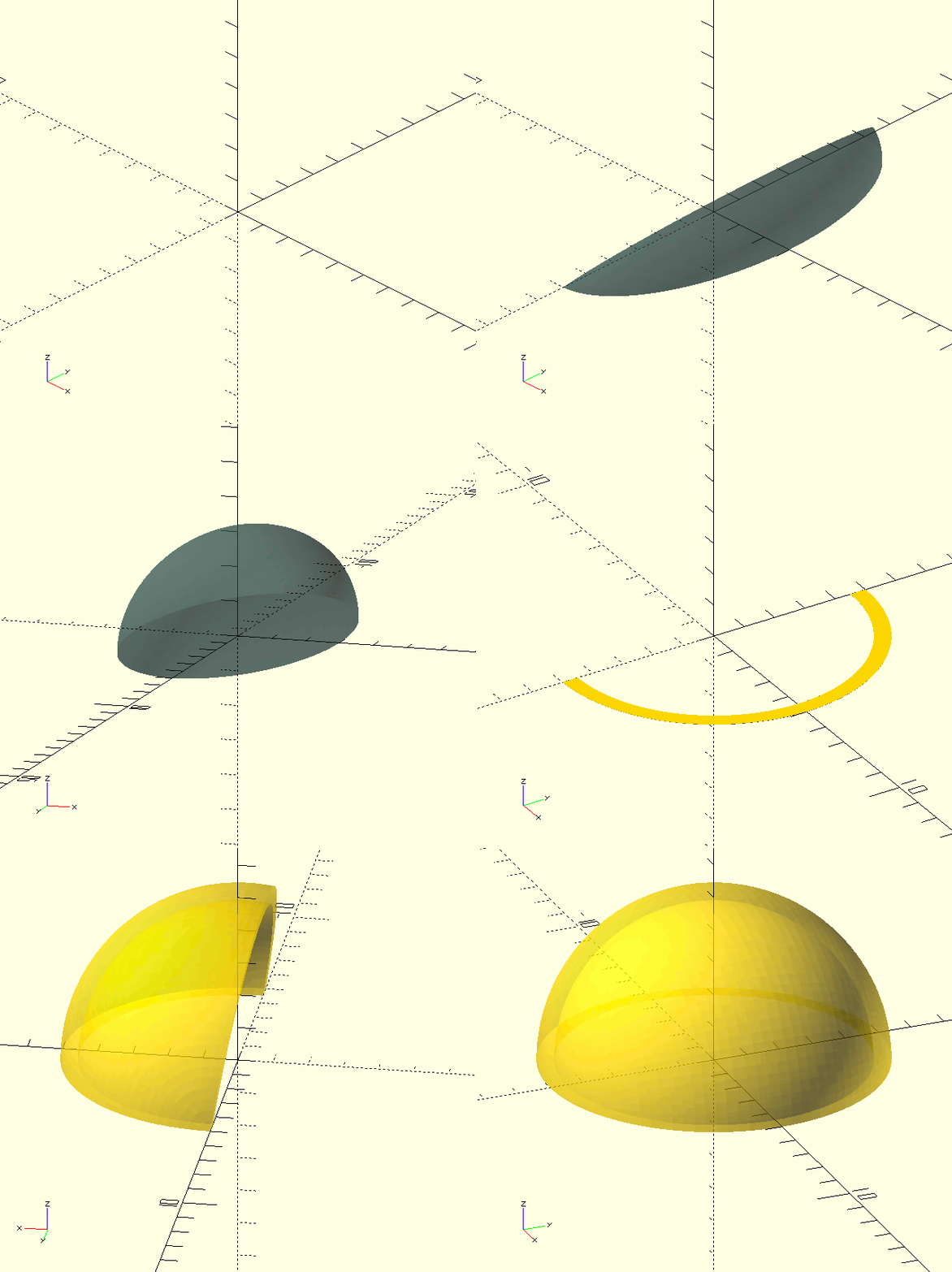
Cap(Shape)
-
Shape, one of the shapes from the Shapes library.
Takes a Shape and uses only the positive-X half to rotate_extrude() it into a 'cap'. The resulting object may be used to close or finish a linear_extrude()-ed object of the same Shape.
ChamferedBar()
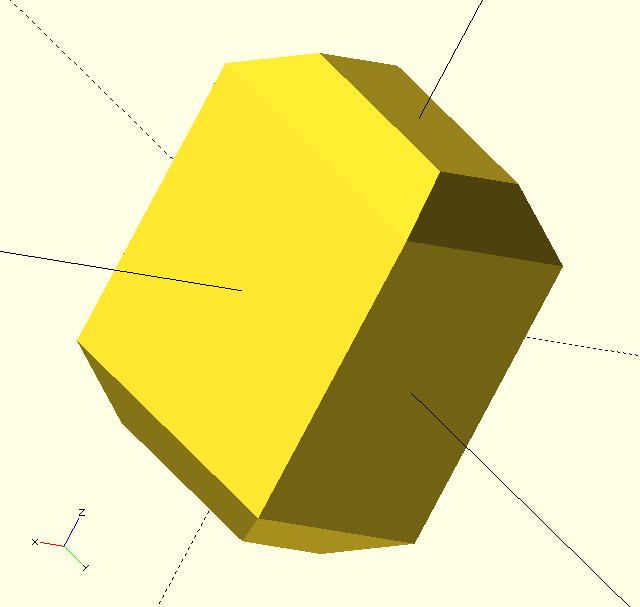
ChamferedBar(Width,Length,Height,Chamfer=1,Centered=true)
-
Width, scalar, X-dimension.
-
Length, scalar, Y-dimension.
-
Height, scalar, Z-dimension.
-
Chamfer, scalar, chamfered edge dimension, measured parallel to a face, not along the sloped face of the chamfer itself.
-
Centered, Boolean, the object is centered on the origin if true.
A rectangular bar, or cube, with it’s top and bottom ends chamfered.
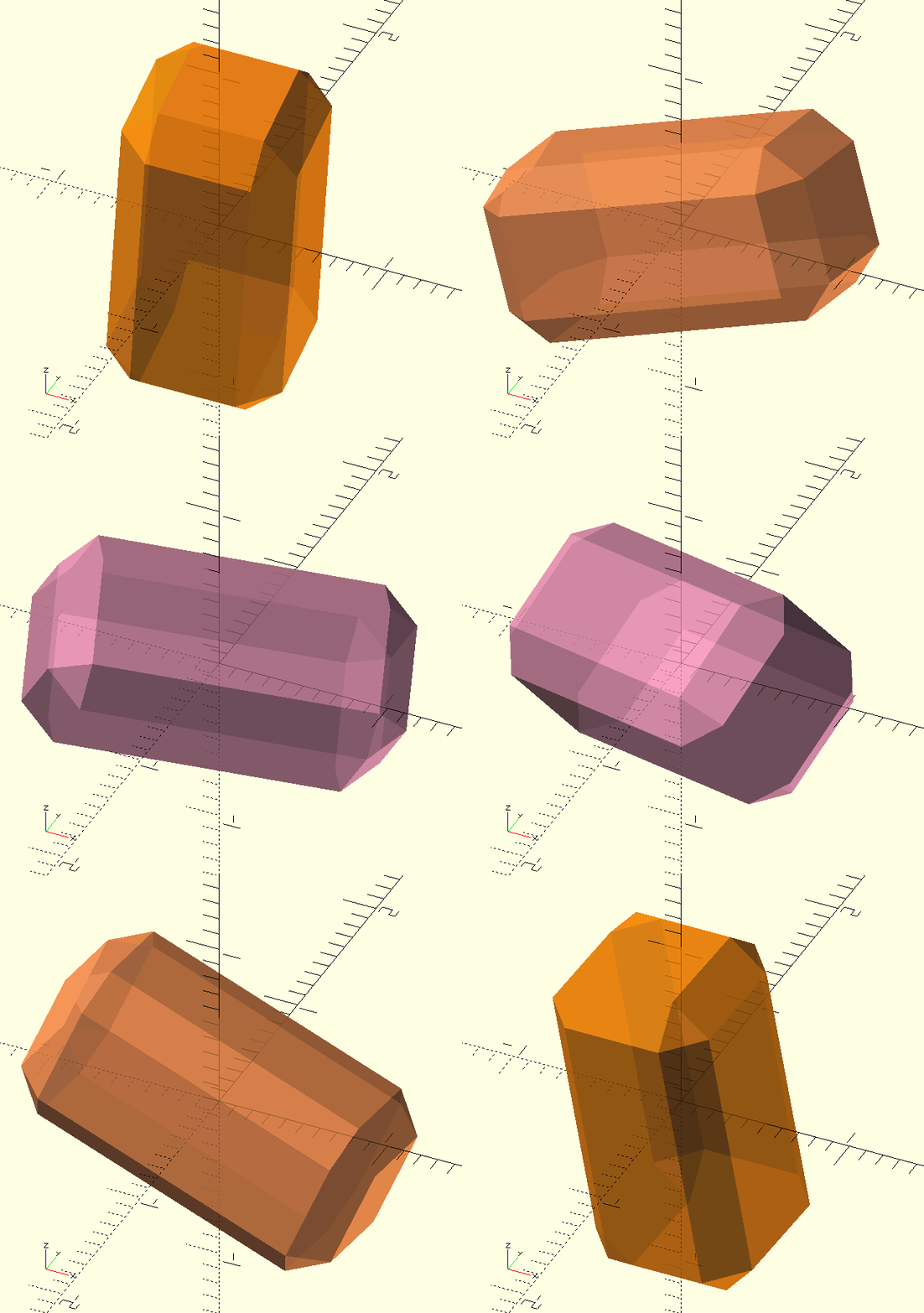
ChamferedCube()
ChamferedCube(Width,Length,Height,Chamfer=1,Centered=true)
-
Width, scalar, X-dimension.
-
Length, scalar, Y-dimension.
-
Height, scalar, Z-dimension.
-
Chamfer, scalar, chamfered edge dimension, measured parallel to a face, not along the sloped face of the chamfer itself.
-
Centered, Boolean, the object is centered on the origin if true.
A cube, or rectangular bar, with all it’s edges chamfered.
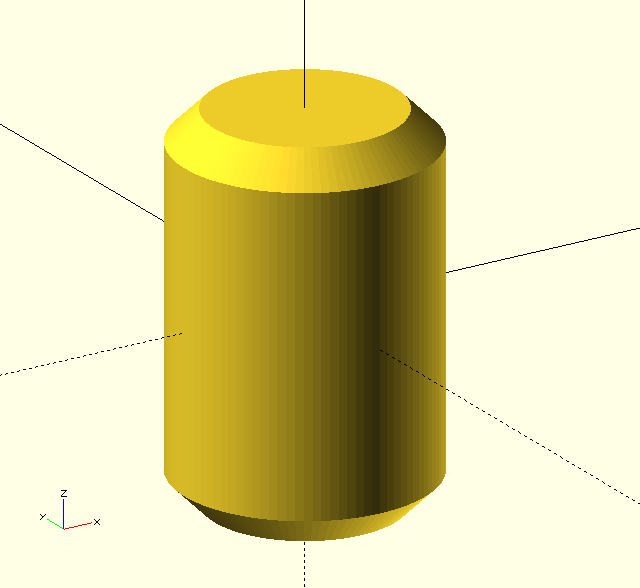
ChamferedCylinder()
ChamferedCylinder(Radius=10,Height=10,Chamfer=1,ChamferAngle=90,Centered=true)
-
Radius, scalar, radius of the cylinder.
-
Height, scalar, height of the cylinder.
-
Chamfer, scalar, chamfered edge dimension, measured on radius, not along the sloped face of the chamfer itself.
-
ChamferAngle, scalar, the included angle of the 'chamfer cone'.
-
Centered, Boolean, the object is centered on the origin if true.
A cylinder with chamfered ends, the ends become points when Chamfer equals Radius.
Pay attention when using very small ChamferAngle values; large Height values are needed to accommodate the long points!
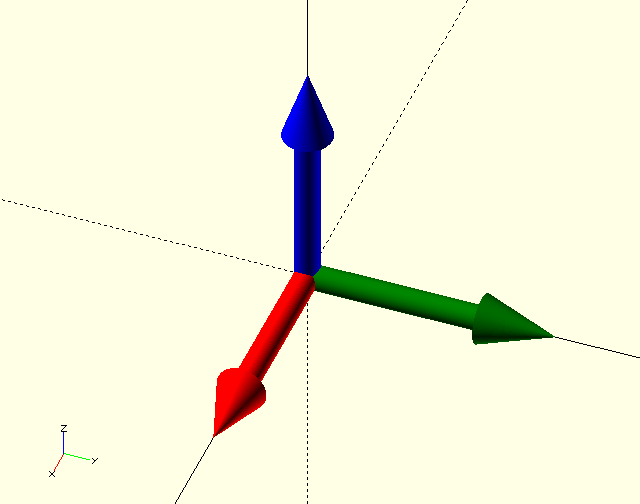
CoordinateSystem()
CoordinateSystem(Size=1,Radius=0.1,Point=0.2,Polar=false)
-
Size, scalar, size (length) of the 'vectors'.
-
Radius, scalar, radius of the 'vector shafts'.
-
Point, fraction, length of the 'vector' point as a fraction of it’s total length.
-
Polar, Boolean, if true, no 'Y' vector is displayed.
'The three arrows'. For when you want a coordinate system reference without the axes. Probably. A representation of the unit vectors of the Cartesian or Polar coordinate system.
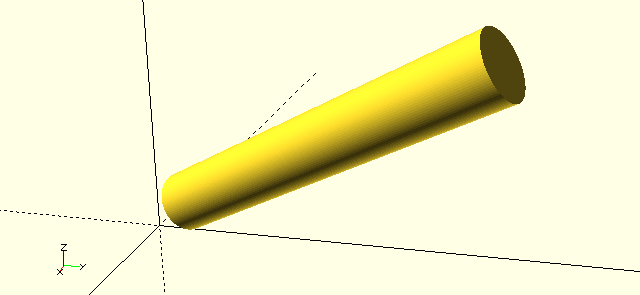
CylinderBetween()
CylinderBetween(Point1,Point2,Radius=0.1)
-
Point1, Point2, points, endpoints of the cylinder.
-
Radius, scalar, radius of the cylinder.
Like BallCylinderBetween(), but no balls… Useful for displaying curves &c.
Dimension()
Dimension(Point1,Point2,Type="X",Text="",TSize=0.8,Spacing=1,TMove=[0,0,0],Decimals=2,
Drop=2,Hang=0.5,Direction="R",Location="Low",Radius=0.05,Arrows="S",ASize=0.3,Outside=false)
-
Point1, Point2, points, the (end)points being dimensioned.
-
Type, string;
-
"X": a 'horizontal' dimension.
-
"Y": a 'vertical' dimension.
-
"Anything not X or Y": an 'aligned' dimension.
-
-
Text, string, the dimension text. When
Text=""the actual dimension is parsed. -
TSize, scalar, text size.
-
Spacing, scalar, text spacing (kerning)
-
TMove, vector, text displacement (translation), because
Dimension()isn’t very 'developed' it needs a fair bit of help placing the text—most of the time. -
Decimals, integer, decimal places for parsed dimension text.
-
Drop, scalar, distance between the dimension line and the object or points being dimensioned, often the same as the extension line length.
-
Hang, scalar, extension line extension (beyond the dimension line).
-
Direction, string;
-
"R" for 'to the right of the extensionlines'.
-
"C" for 'in between the extensionlines'.
-
"L" for 'to the left of the extensionlines'.
-
-
Location, string;
-
"Low" for 'below the dimension'.
-
"High" for 'above the dimension'.
-
-
Radius, scalar, thickness of the lines.
-
Arrows, string,
-
"A" for arrow shapes.
-
"S" for spheres.
-
-
ASize, scalar, arrow size.
-
Outside, Boolean, arrows are placed outside the extension lines if true.
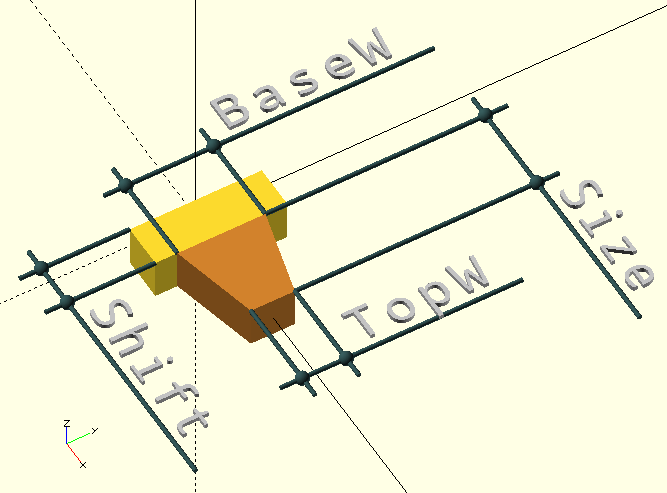
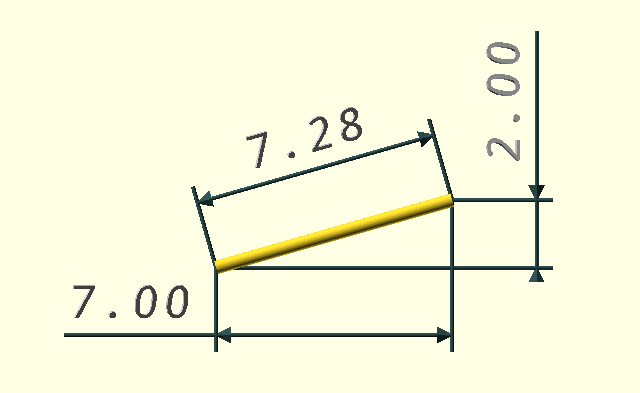
Dimension() is far from perfect, but it’s reasonably robust if you use it with consideration. It surely has no aspirations of trying to make OpenSCAD into AutoCAD®, but it’s been pretty helpful in explaining a thing or two in the illustrations in this documentation and, frankly, was written just for that reason. It probably isn’t much use for anything else…
Dimension() can dimension horizontal, vertical or aligned dimensions, it can place the dimension line and text above or below, and to the (relative) left or right of the dimensioned points. There is a choice between arrows or spheres, and the arrows can be placed inside or outside the extension lines.
GraphPaper()
GraphPaper(Major=1.0,Minor=0.2,Size=10,LineFactor=100,
Color=GPGrey,Alpha=0.5,Centered=false,AutoThickness=true)
-
Major, scalar, major division in units.
-
Minor, scalar, minor division in units.
-
Size, scalar, size of the grid in units.
-
LineFactor, scalar, line thickness factor.
-
Color, OpenSCAD colour, the grid colour.
-
Alpha, scalar, OpenSCAD
alphaor 'translucency' factor. -
Centered, Boolean, the grid is centered on the origin if true.
-
AutoThickness, Boolean, tries to generate a good line thickness based on
$vpd.
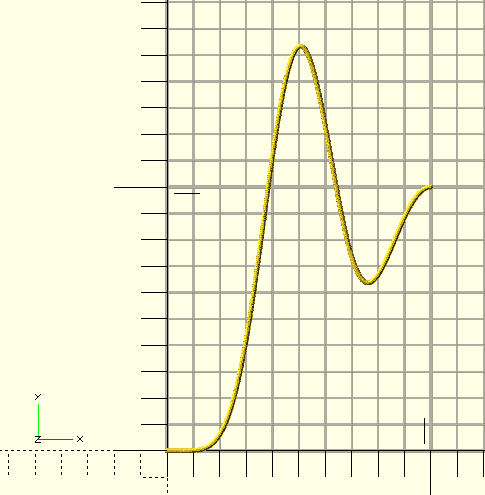
For illustrations that depict function curves, it’s pretty nice to have a graph-paper grid as background. Another module written solely to generate good illustrations for this documentation…
Protractor()
Protractor(Radius=100,Scales=[1,10,45,90,60],Center=false)
-
Radius, scalar, radius of the protractor.
-
Scales, array of scale divisions, e.g. [1,15,45,90] will generate four scales: one of 1, 15, 45, and 90 degree divisions each.
-
Center, Boolean, the center of the protractor will be filled if true.
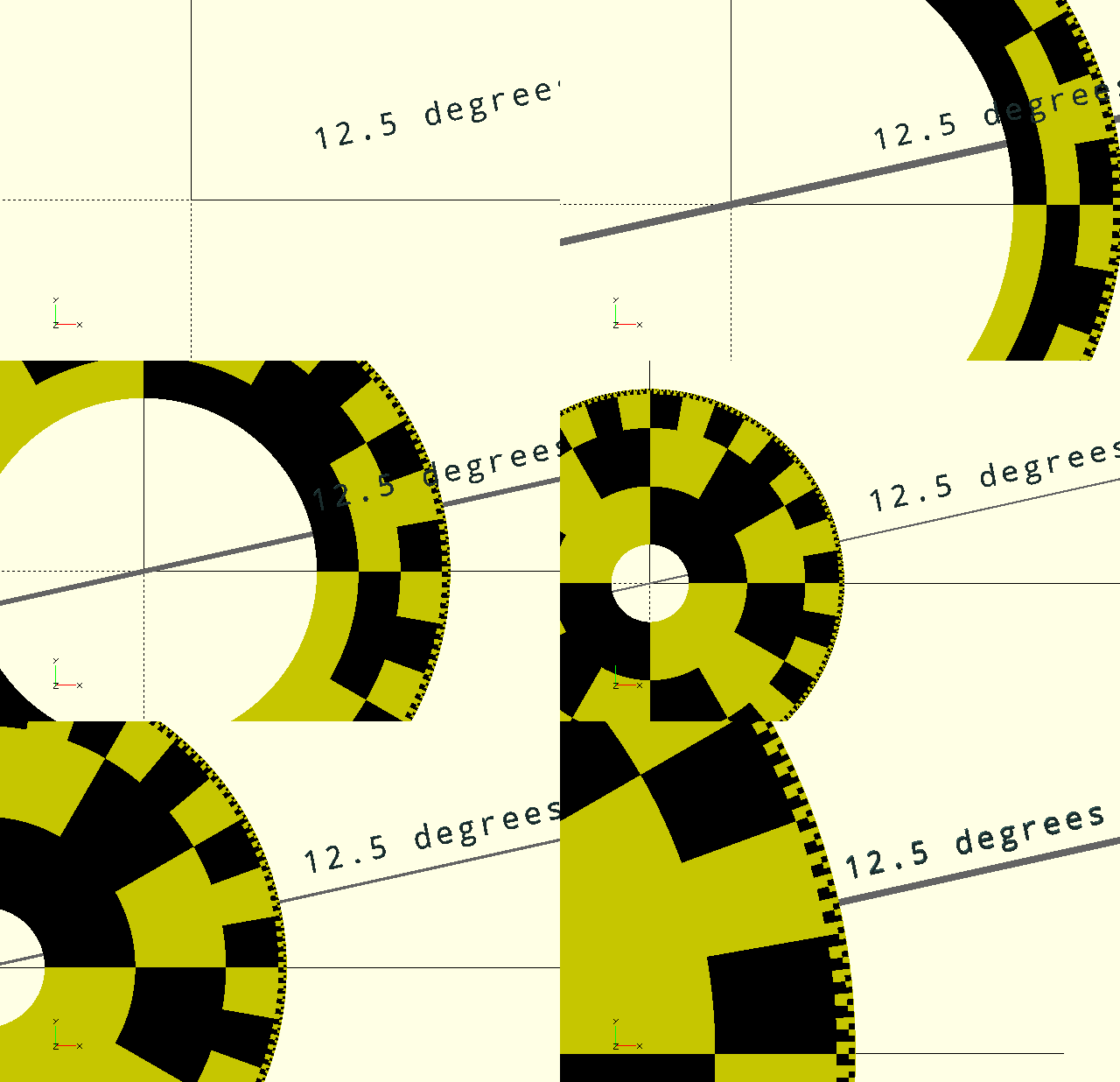
The Protractor() is a useful tool to measure angles of '.stl' objects, or to check dimensions of your designs. the protractor is always placed centered on the origin, but it’s yours to move around…
Ruler()
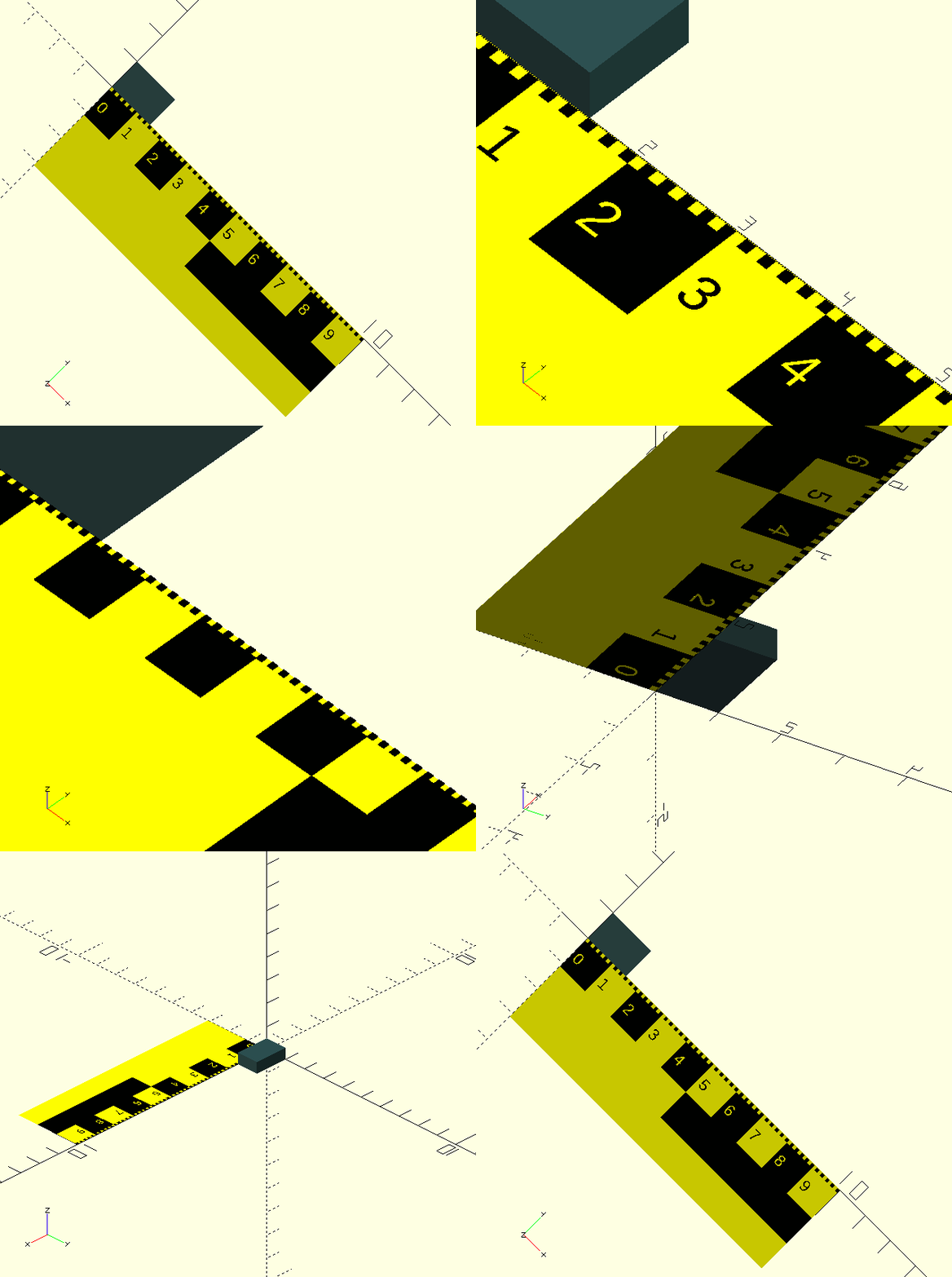
Ruler(Length=100,Scales=[1,5,10,50,100],Text=false)
-
Length, scalar, length of the ruler.
-
Scales, tuple, a list of scale increments.
-
Text, Boolean, graduations are numbered if true.
Don’t you hate it when you zoom in and the axis and scale disappear? Here’s a ruler to check your dimensions. The ruler is created just below the positive X-axis. Move it, rotate it, put it where you need to measure any object you want…
One note of caution: text (numbered graduations) on a long ruler can slow things down a little…
StarCap()
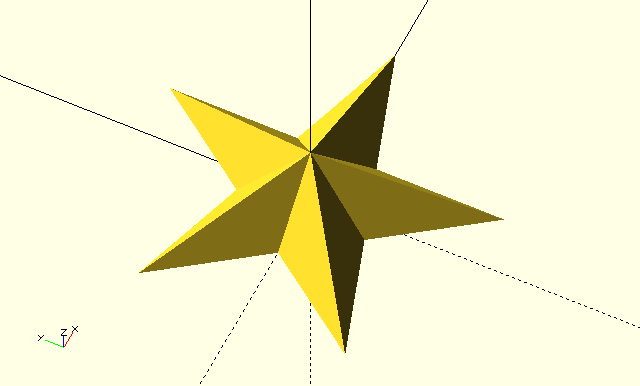
StarCap(Points,Radius,Schlaefli,Height)
-
Points, integer, number of points on the star.
-
Radius, scalar, radius of the star.
-
Schlaefli, integer, Schläfli number, see Wikipedia; a Schläfli number of 1 is a regular polygon, 2 is the first possible star. It determines how many vertices are 'skipped' when connecting them with straight lines.
-
Height, height at the center.
Generates a cap for the Star() shape from the Shapes library.
ToonCar()
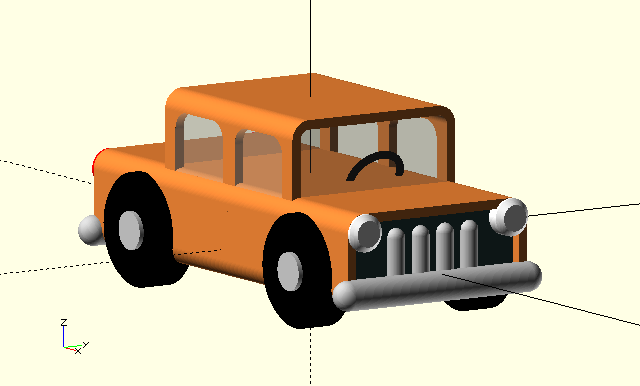
ToonCar(Color)
-
Color, color, OpenSCAD color.
For… Well, for when you want a car I guess… I think I made this to illustrate some traffic situations. Maybe I’ll add a truck and trailer to the collection one day ;-)
ToonPlane()
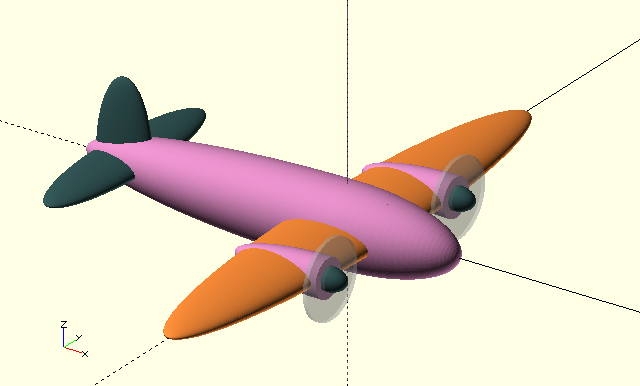
ToonPlane(C1=PRP,C2=CPR,C3=DSG,Alpha=1)
-
C1,C2,C3, colors, OpenSCAD color.
-
Alpha, fraction, OpenSCAD color alpha parameter.
For… Well, for when you want a plane… This was used to illustrate Position(). Maybe I’ll give the crew a windshield one day, they must be tired flying on instruments all the time…
Waterline()
Waterline(PlaneAngle=0,Depth=0,Color="blue",Alpha=0.3,Horizon=10000)
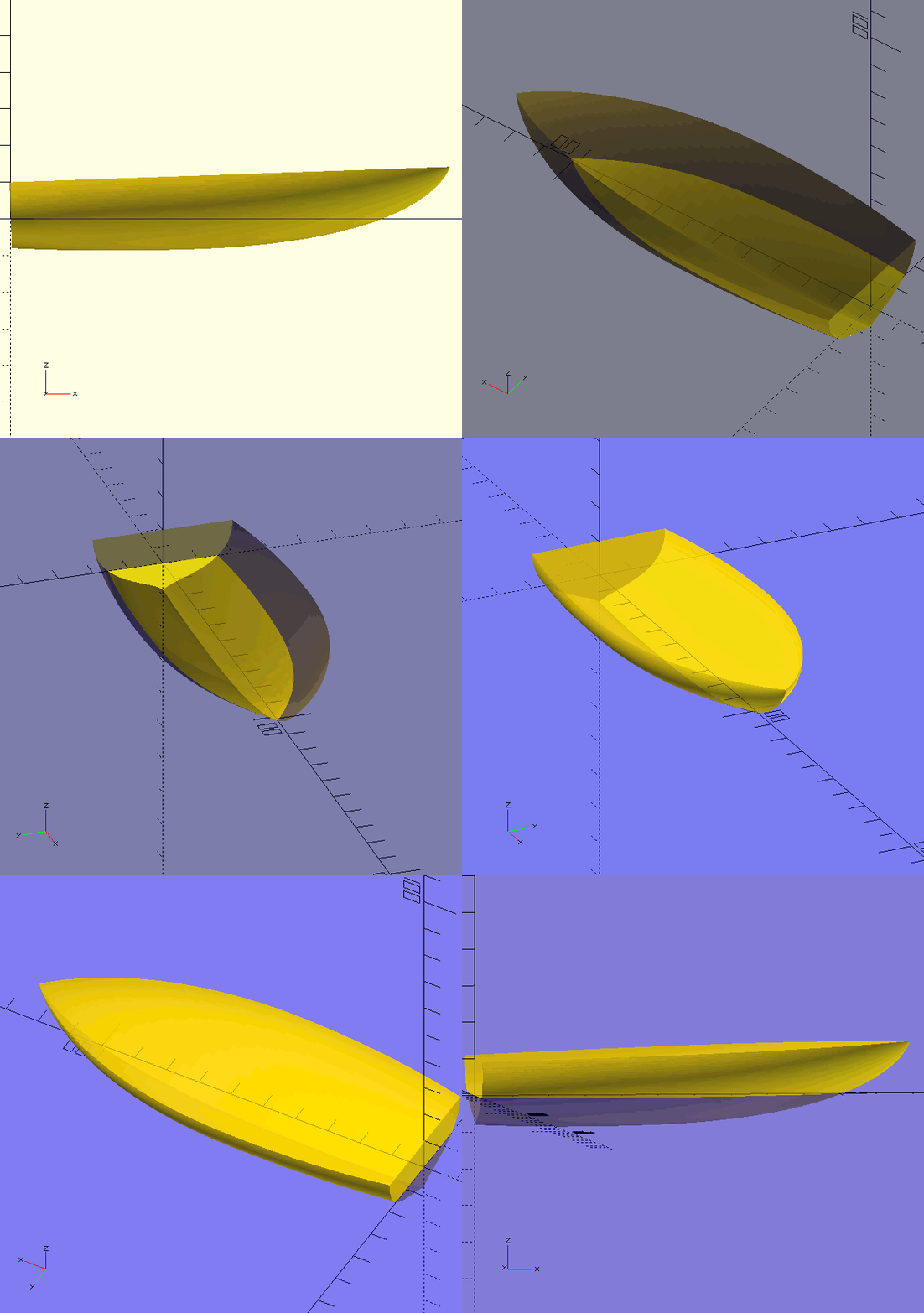
-
PlaneAngle, scalar, degrees, rotate
children()around the Y-axis to simulate 'planing', the boat’s stern must be on the origin and the bow on the positive x-axis. -
Depth, scalar, lowers children() deeper into the 'water'.
-
Color, 'water' color.
-
Alpha, OpenSCAD alpha for the 'water'.
-
Horizon, scalar, size of the 'water' sheet.
Create a water surface effect for floating objects (i.e. boats etc.).